Feedback learners can act on
A grade tells a learner how they did. Feedback they can act on tells them what to do next, and returning work for revision gives them the chance.
In this article
A grade is an ending Link to “A grade is an ending”
Once work is graded, most learners stop thinking about it. That's reasonable: the grade says the conversation is over. So feedback attached to a final grade is often read once, if at all.
Feedback does its best work while there's still something to do with it.
Return, don't just mark Link to “Return, don't just mark”
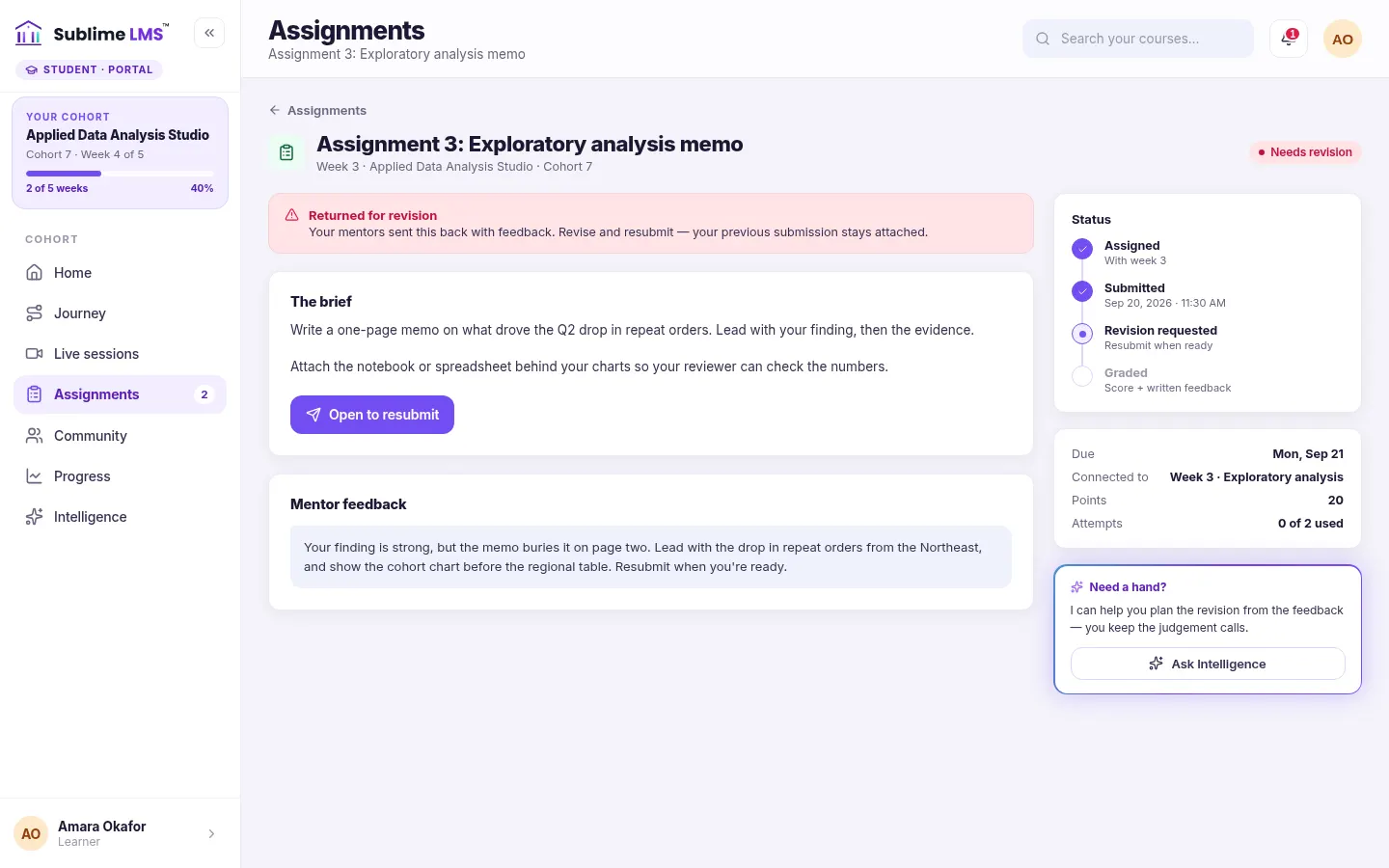
When a submission is close but not there, returning it for revision turns feedback into a next step. The learner sees what to change beside the brief, revises, and resubmits. The second attempt is often where the learning actually happens.
In Sublime LMS, a returned assignment shows as "Needs revision" with the feedback next to the brief. The learner starts a new attempt, a returned attempt doesn't count against the attempt limit, and every attempt is kept so both sides can see how the work changed.
The most useful feedback is the kind a learner can still use.
Related feature: Assignments & feedback
Write feedback for the next draft Link to “Write feedback for the next draft”
Feedback that helps a revision tends to share a few traits:
- It leads with the single most important change, not a list of everything.
- It points at a specific place in the work.
- It says what good looks like, so the learner can tell when they've got there.
Release grades together Link to “Release grades together”
Learners compare notes. If some see grades days before others, it feels unfair even when the marking is consistent. In Sublime LMS, learners only see grades and feedback once they are released, so a reviewer can save drafts and release a batch at once.
Related feature: Assignments & feedback
Related articles
-
What “at risk” should mean in a cohort program
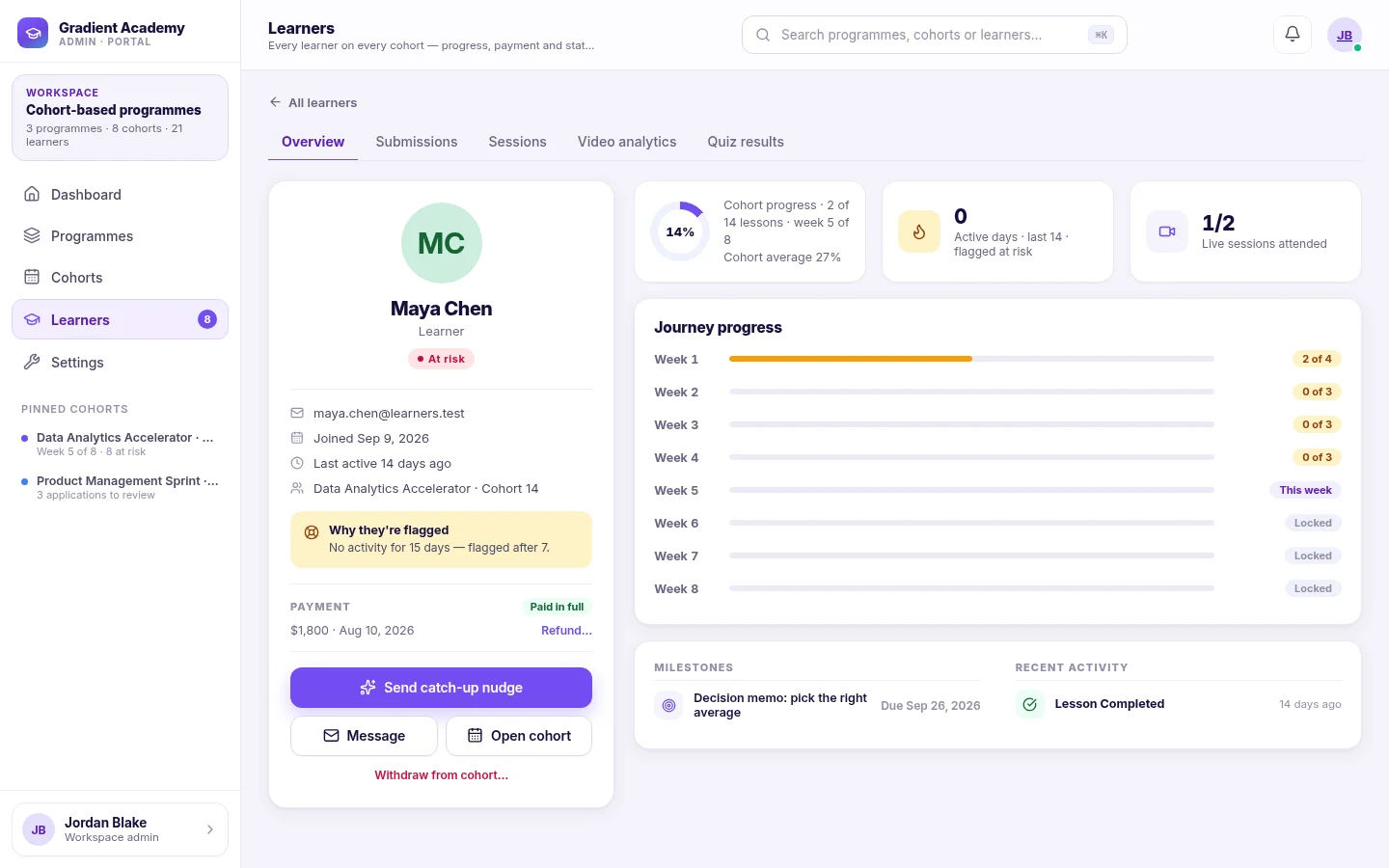
A risk flag is only useful if everyone agrees what it means and what happens next. Why a plain, explainable definition beats a clever score. 3 min read -
Recovery beats prevention: make coming back small
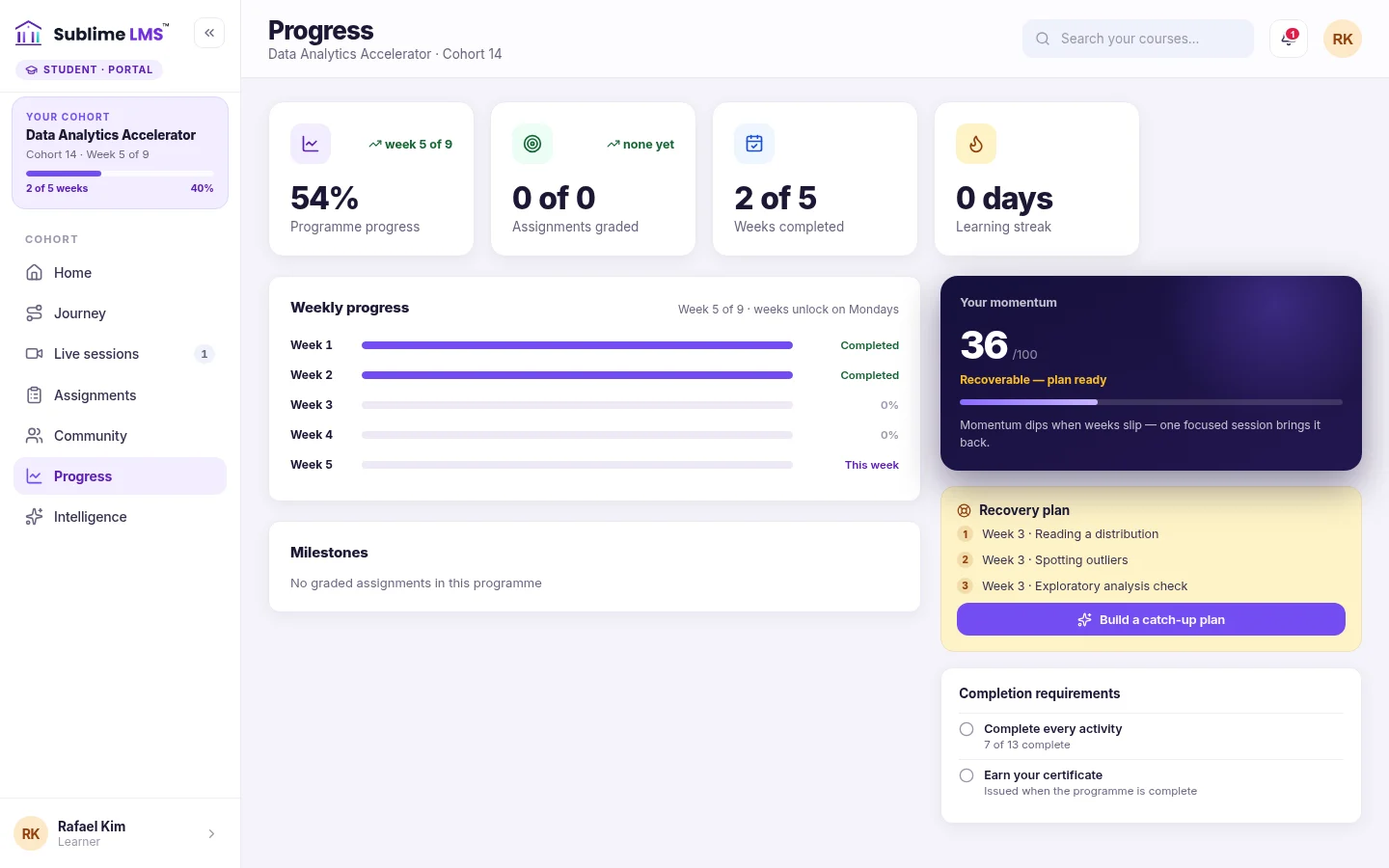
You can't stop every learner from having a bad week. You can make the way back short enough that they take it. 2 min read -
The case for a shared schedule
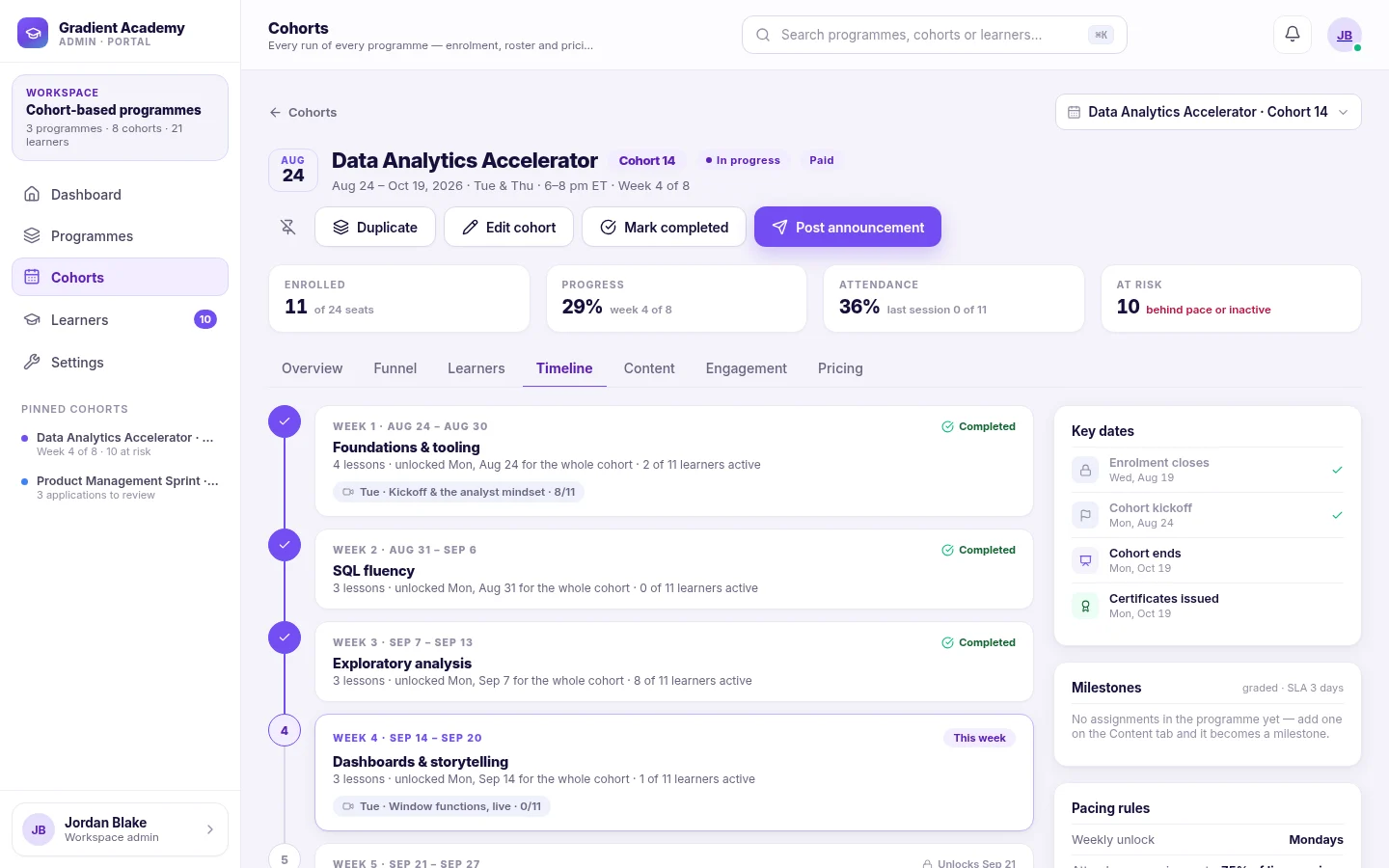
Flexibility sounds kind. For many learners, a schedule they share with a group is what turns "someday" into "this week". 2 min read